RE-IMAGINE YOUR
GAMEPLAY CLIPS
ReframeGG is a powerful, locally-hosted desktop application designed to reframe traditional horizontal (16:9) video content into vertical (9:16) formats suitable for TikTok, YouTube Shorts, and Instagram Reels. Free, fast, and completely offline.
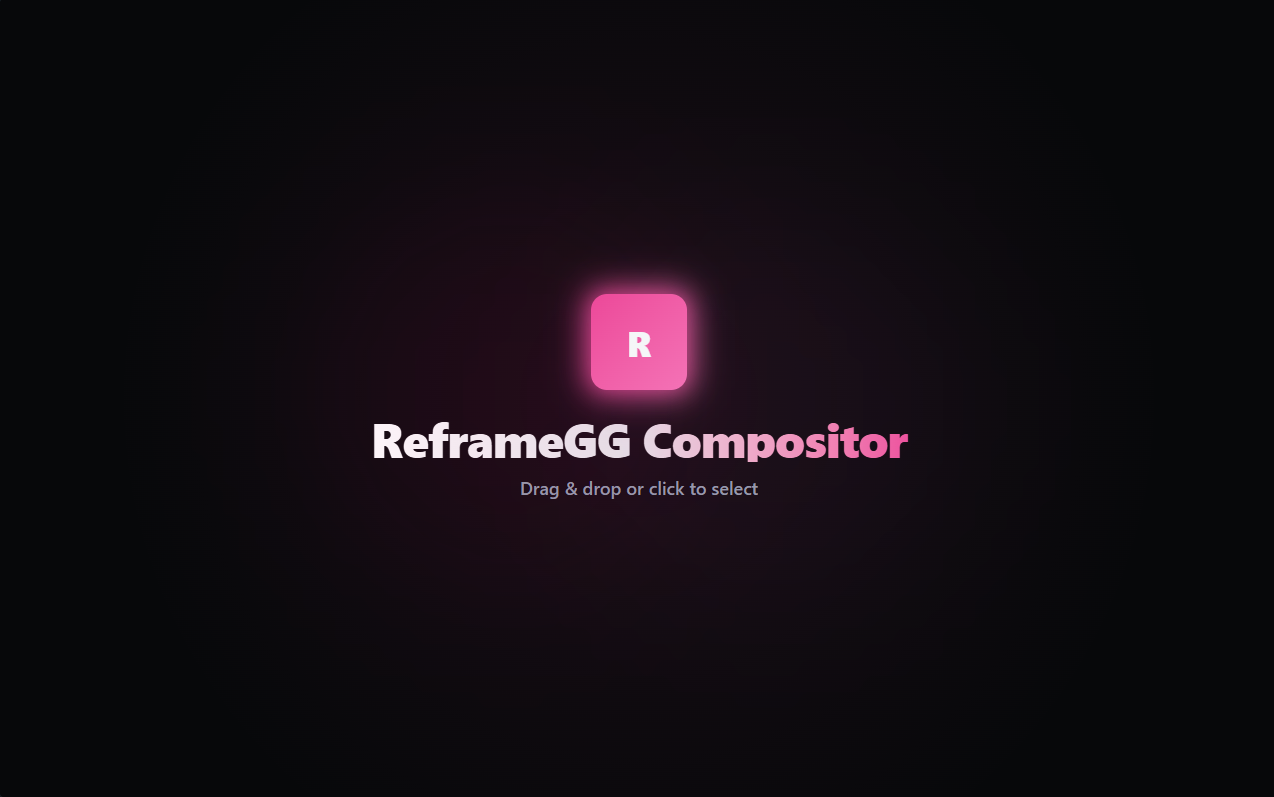
WORKSPACE INTERFACE
EXPLORE THE WORKSPACE PREVIEW
HIGH PERFORMANCE FEATURES
ENGINEERED FOR MODERN CONTENT CREATION
Freeform Masking
Draw fully custom polygonal masks using our Vector Pen Tool. Keep your facecam, health bars, or maps perfectly isolated in vertical layers.
GPU Encoding Acceleration
Auto-detects active NVIDIA or AMD graphics hardware and harnesses h264_nvenc / vp9_nvenc for ultra-fast, local exports.
100% Offline & Private
Your source footage and exported videos never leave your PC. Runs fully locally with zero external server queues or subscriptions.
Scrubber timeline loops
Precision loop trimming on the scrubber timeline. Drag boundaries to frame specific sequences of gameplay effortlessly.
Presets Auto-matching
Store and edit multi-layer custom gaming presets. Filename game detection suggests CS2, Valorant, or League overlays instantly.
Sleek Custom Header
A gorgeous, responsive frameless titlebar with magnetic snapping. Complete layout controls fit for a premium experience.
GETTING STARTED
RUN REFRAMEGG IN A FEW CLICKS
Verify Prerequisites
Ensure you have Node.js 18+ and Rust installed on your computer.
Clone and Install Dependencies
Clone from GitHub and run 'npm install' to fetch packages.
Place FFmpeg Binary Sidecar
Place 'ffmpeg-x86_64-pc-windows-msvc.exe' in 'src-tauri/binaries/' or make sure FFmpeg is in system PATH.
Run Development Server
Launch the hot-reloading compositor window with 'npm run dev'.